Your tools, working together. Less admin for your team.
We connect the apps you already use and build workflows that save your team time, from daily reports to customer follow-ups.








Less copying. Fewer things missed.
We connect your apps so information reaches the right place and routine tasks happen automatically.
Choose an example above to see how it runs.
Start the day with the important emails
Every morning, get a short summary of overnight messages, urgent requests and replies to prioritise.
New enquiries, ready to follow up
Save each website enquiry in your customer records, notify the right person and send an acknowledgement.
Keep track of what was agreed
Turn meeting notes into actions, owners and deadlines, with updates in your task tracker.
See the projectA repeatable way to produce branded videos
We build a workflow around your content and visual style, with review before the final export.
See the projectWhat we do
Practical help for small businesses and teams spending too much time on manual work.
Connect your tools
Move information between email, spreadsheets and business apps without copying it by hand.
Centralise your information
Bring scattered records and updates together so your team knows where to find them.
Automate repetitive work
Set up reports, reminders and follow-ups that run automatically, with approval where needed.
Built around the tools you already use
- Gmail
- Outlook
 Microsoft 365
 Google Workspace
- Google Sheets
- Excel
- Google Drive
- Microsoft Teams
- WhatsApp
- Zalo
 LINE
 Slack
 Notion
- HubSpot
- Salesforce
- Google Calendar
- Website forms
Tell us what you use. We’ll check what can be connected.
Our work
See what we’ve built and how it works.
 Watch the video
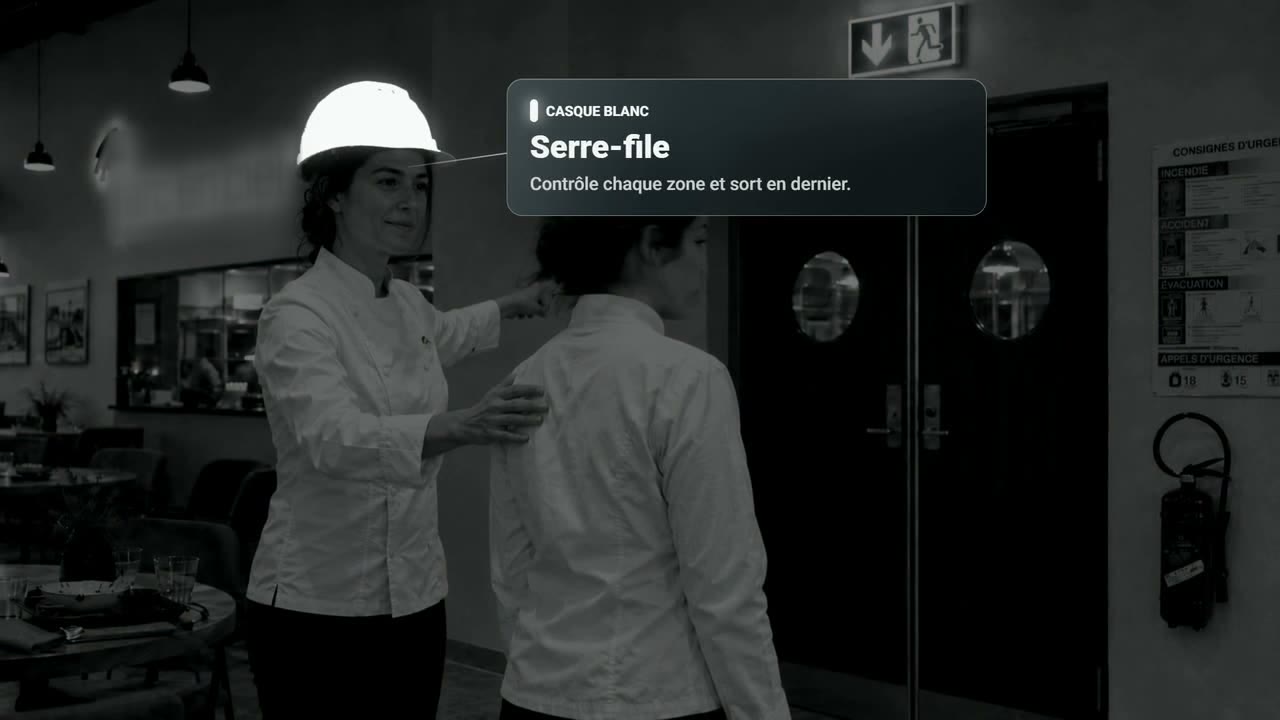
A workflow for branded videos
A repeatable process for creating training and marketing videos in your visual style, with review at key stages.
See the projectFrom meeting notes to tracked actions
Decisions, tasks and responsibilities captured from meeting notes and kept together in a shared tracker.
See the projectHow it works
- 1
Show us what takes too much time
A short message or example is enough.
- 2
Get a clear plan and quote
We review your tools and agree on what to build.
- 3
Try it with your team
We build and test the workflow using real examples from your work.
Will your team need to change its tools?
Usually not. GoWise starts with the tools your team already uses, such as email, spreadsheets, messaging apps or a customer database. A new tool is only suggested when it meets a clear need.
Will your team need technical staff?
No. GoWise handles the setup, tests it with your team and explains how it works. Your team only needs someone who understands how the work is done today.
How is the price agreed?
The price depends on the scope. GoWise reviews your needs and provides a clear scope and quote for your approval before building starts.
How does GoWise handle your information?
Your team decides what is in scope. Before connecting anything, GoWise agrees with your team which tools and information can be used and who can access them.
Where does GoWise use AI?
GoWise uses AI where it is useful, such as summarising messages or sorting requests. Other tasks use standard automation. Your team can agree approval steps with GoWise where needed.
Tell us what’s taking too much time.
Tell us how you handle it today and what you’d like to make easier. You don’t need a technical brief.
We read every message ourselves and will reply shortly.